The store manager opens the admin
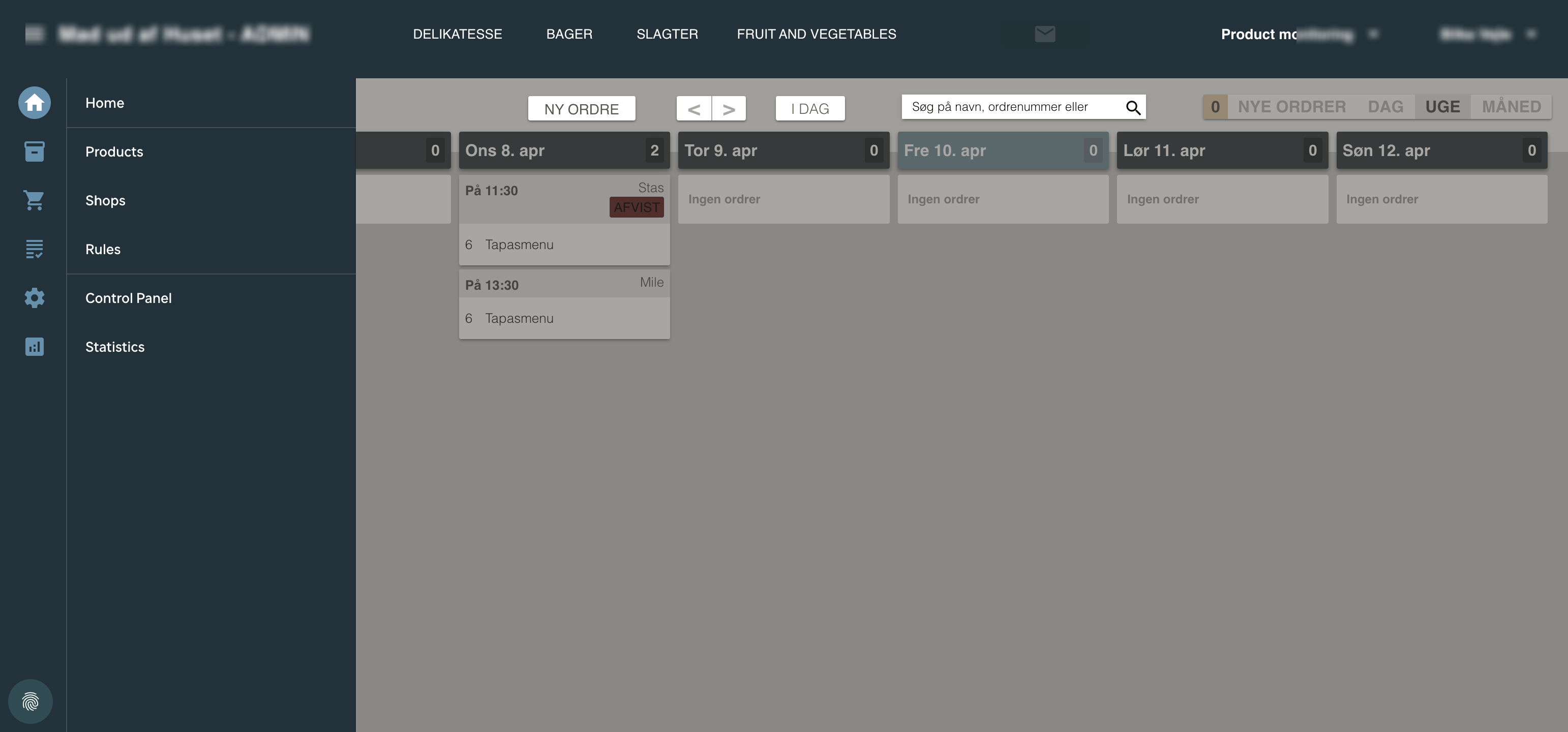
Saturday is the busiest day. The store manager opens the admin panel and switches to the day view. 14 orders are scheduled for pickup today — 8 from the deli, 4 from the bakery, 2 from the butcher.
Print the production plan
One click on ‘Print Dagens Produktion’ and the daily production plan prints out. Each department gets exactly what they need to prepare — quantities, customer names, pickup times. No manual aggregation, no spreadsheets.
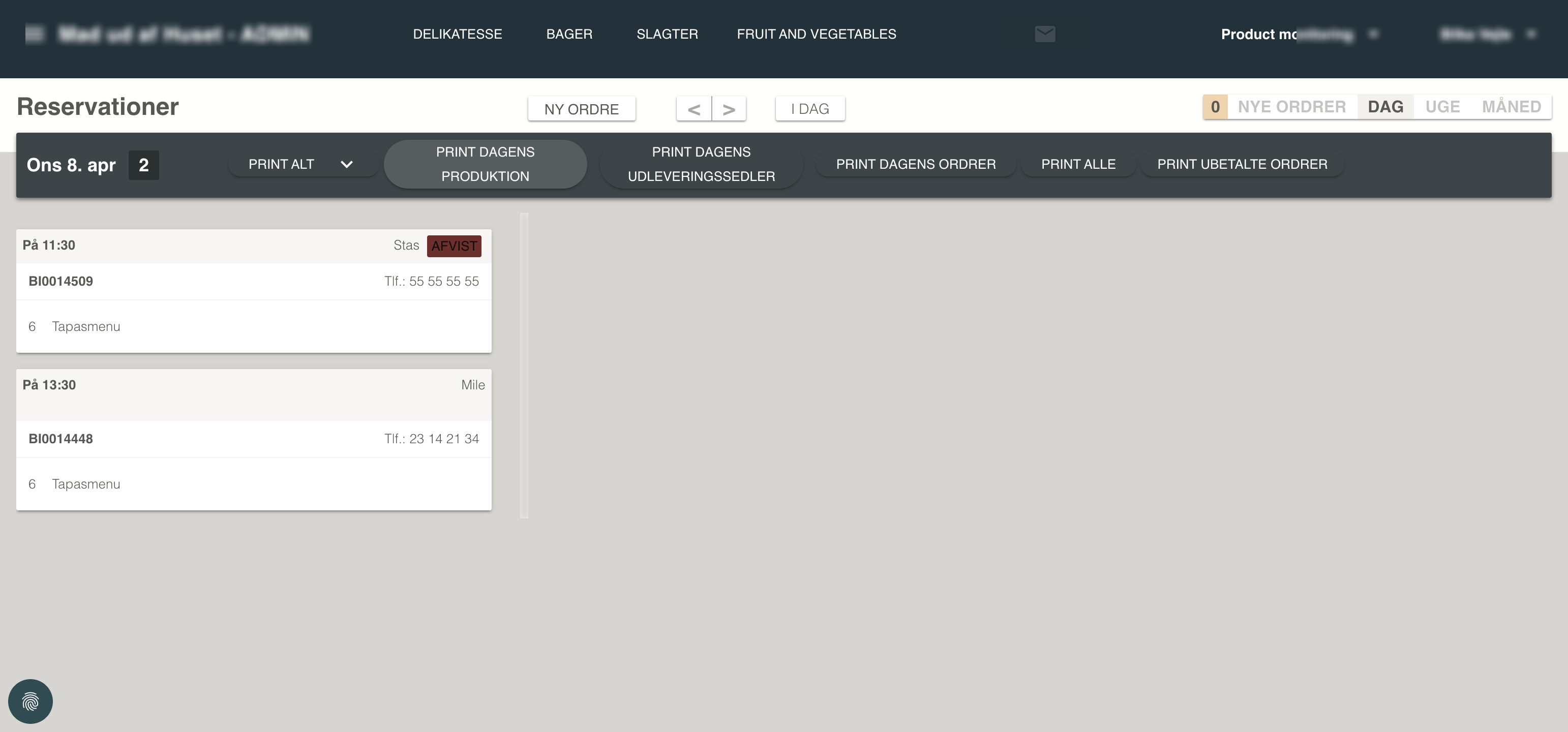
The deli team starts preparing
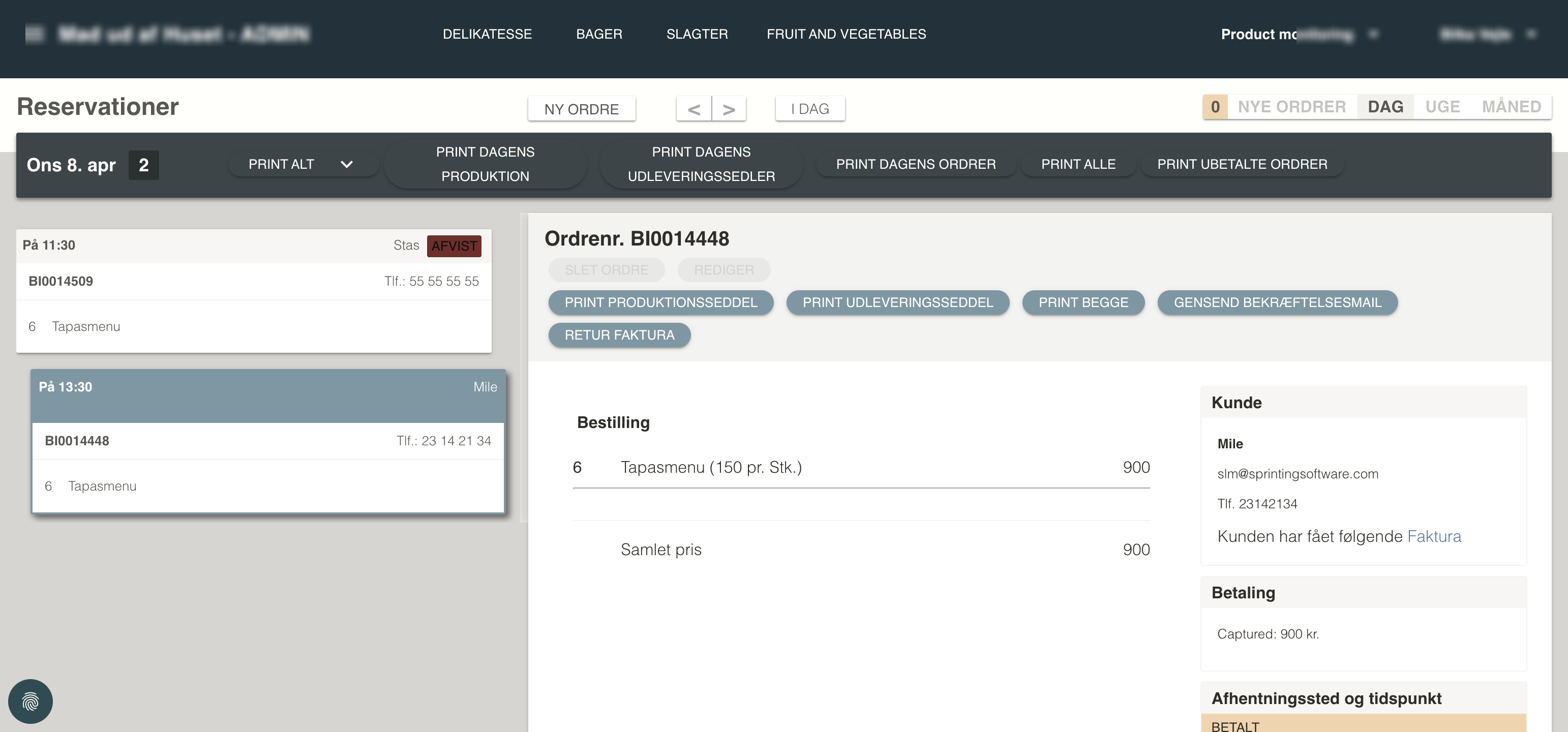
Each order shows the full breakdown: Tapasmenu for 6 at 11:30, Festbuffet for 12 at 13:00. The team knows exactly what to make, for whom, and when it needs to be ready.
A customer in Hjørring starts ordering
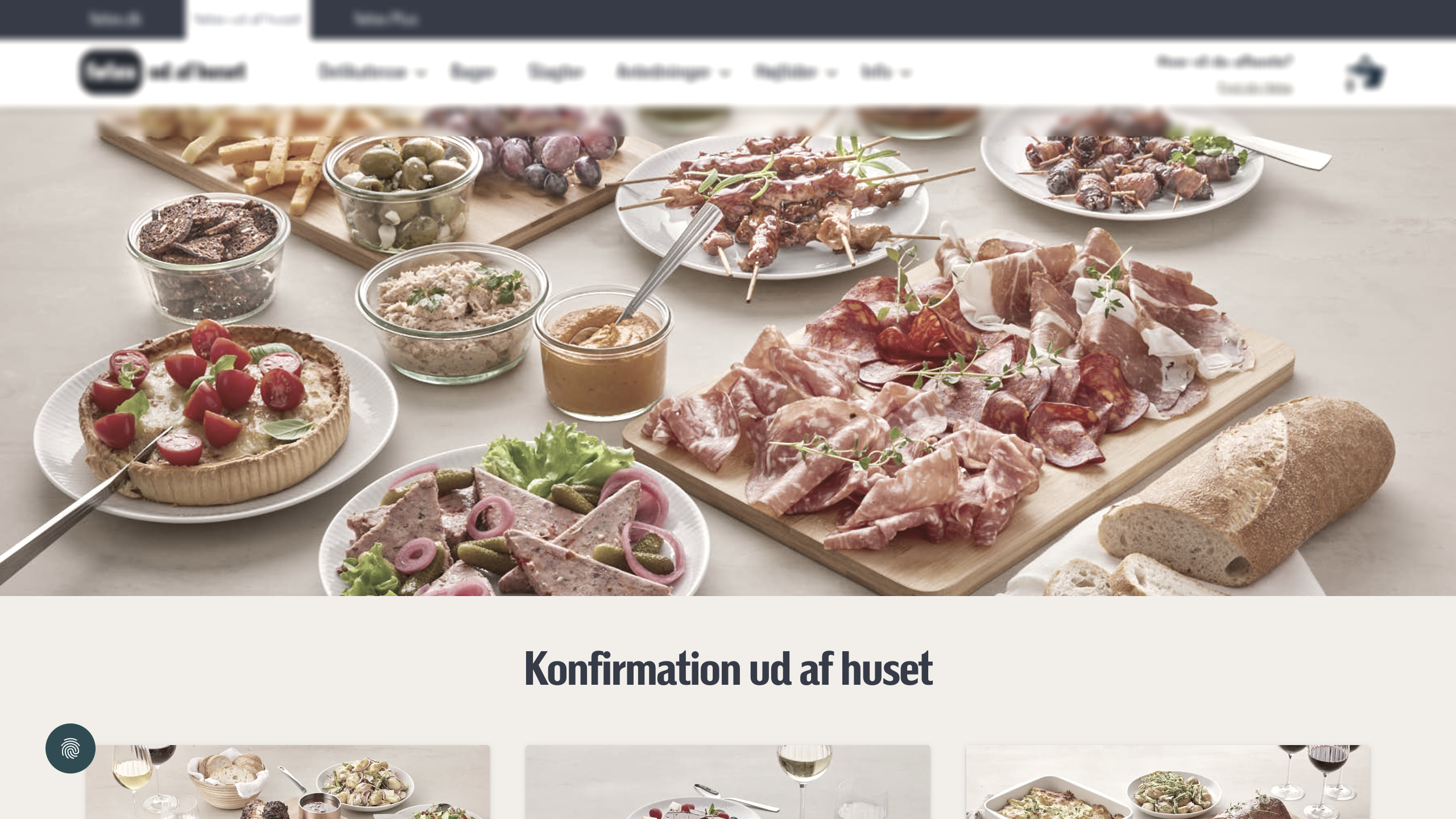
Meanwhile, 200km away, a customer opens the hypermarket brand's catering site on her phone. She’s planning a birthday party for next weekend and needs a buffet for 20 guests.
She builds her perfect buffet
She selects the Festbuffet at 125,- per cover. The configurator guides her: choose minimum 2 meats, 1 sauce, 4 sides. She adds a starter (lakseroulade, +39,- per cover) and a children’s menu for the kids.
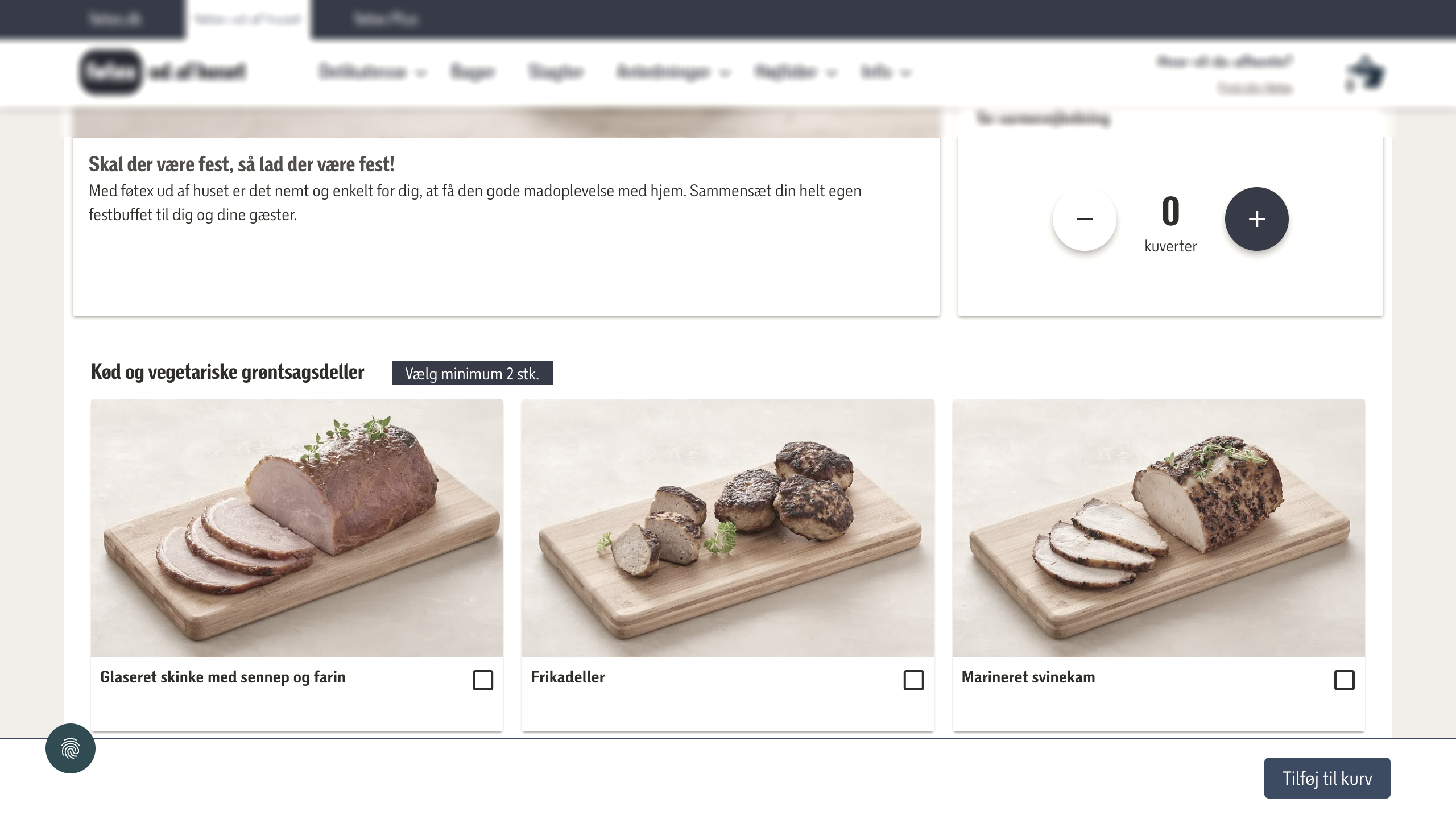
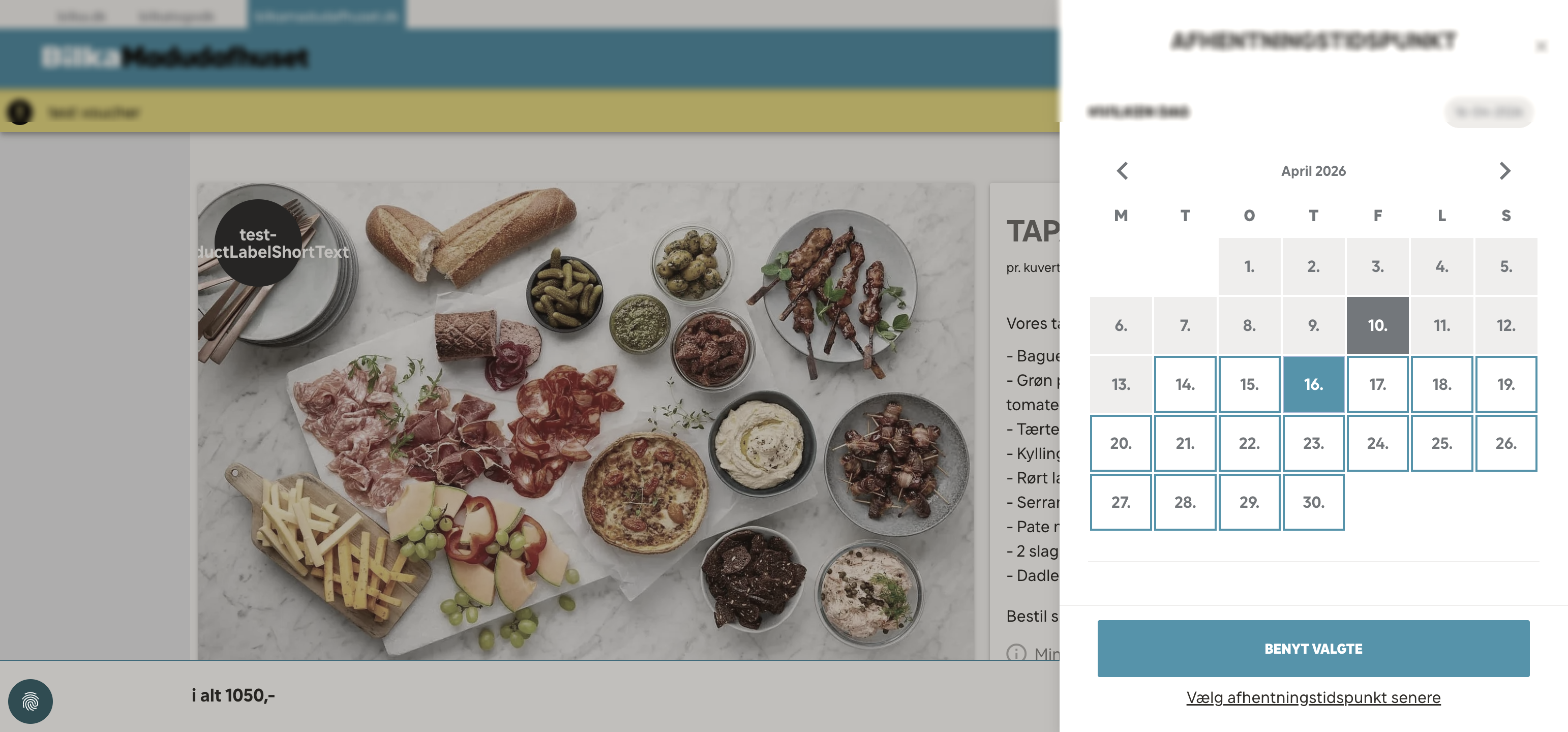
The platform enforces the rules
She picks a date — but not just any date. Dates before Thursday are greyed out because the deli needs at least 4 days lead time. The platform enforces this automatically — no phone call needed.
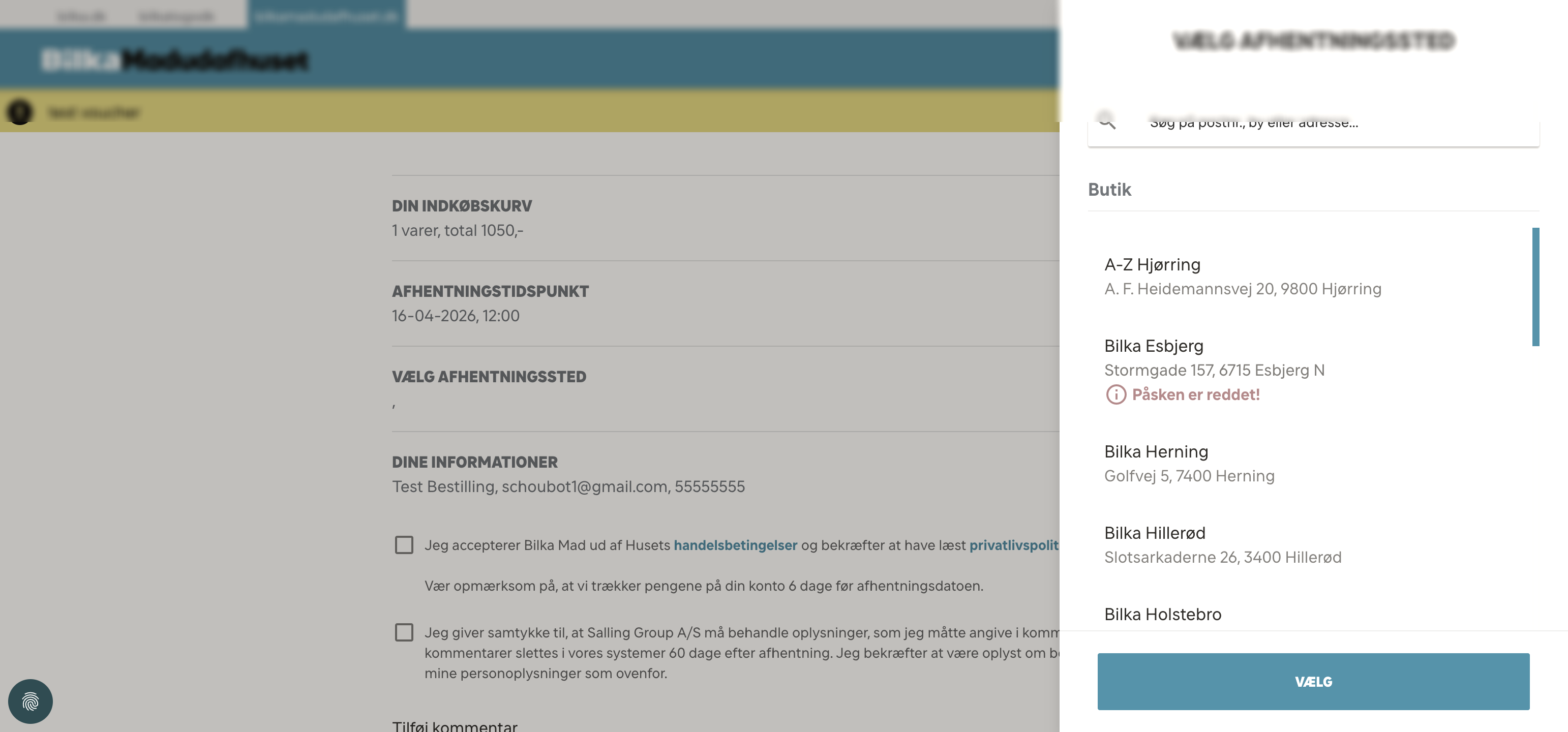
She selects her store
The store selector shows all the brand's locations. Her local store is available. If the store had reached its daily capacity for that date, she’d see a warning and could choose another date or store.
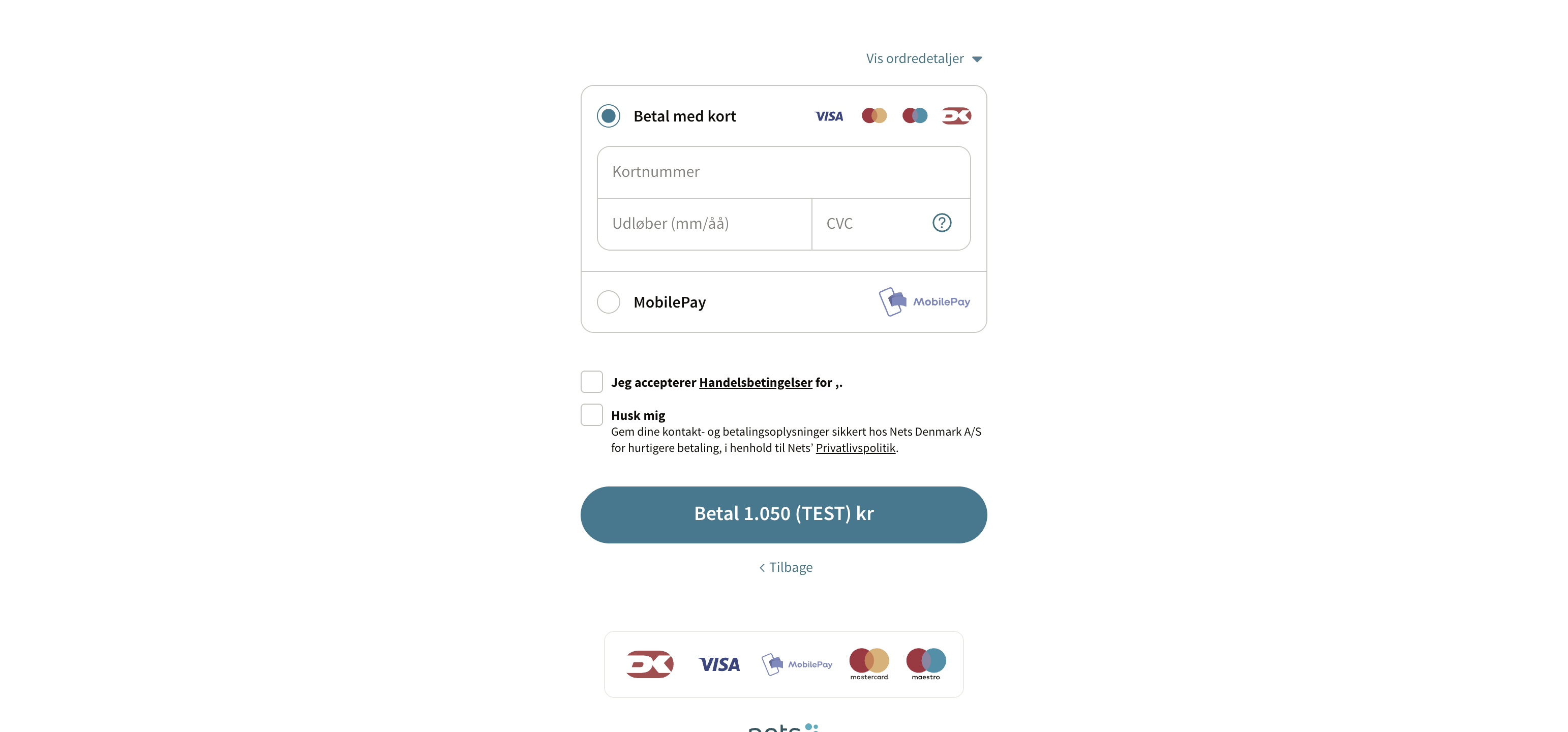
Payment in 30 seconds
She pays with her Visa card through the Nexi/Nets payment gateway. 3D Secure authentication confirms the transaction. Total: 3,280 kr for 20 covers with starters.
Order confirmed
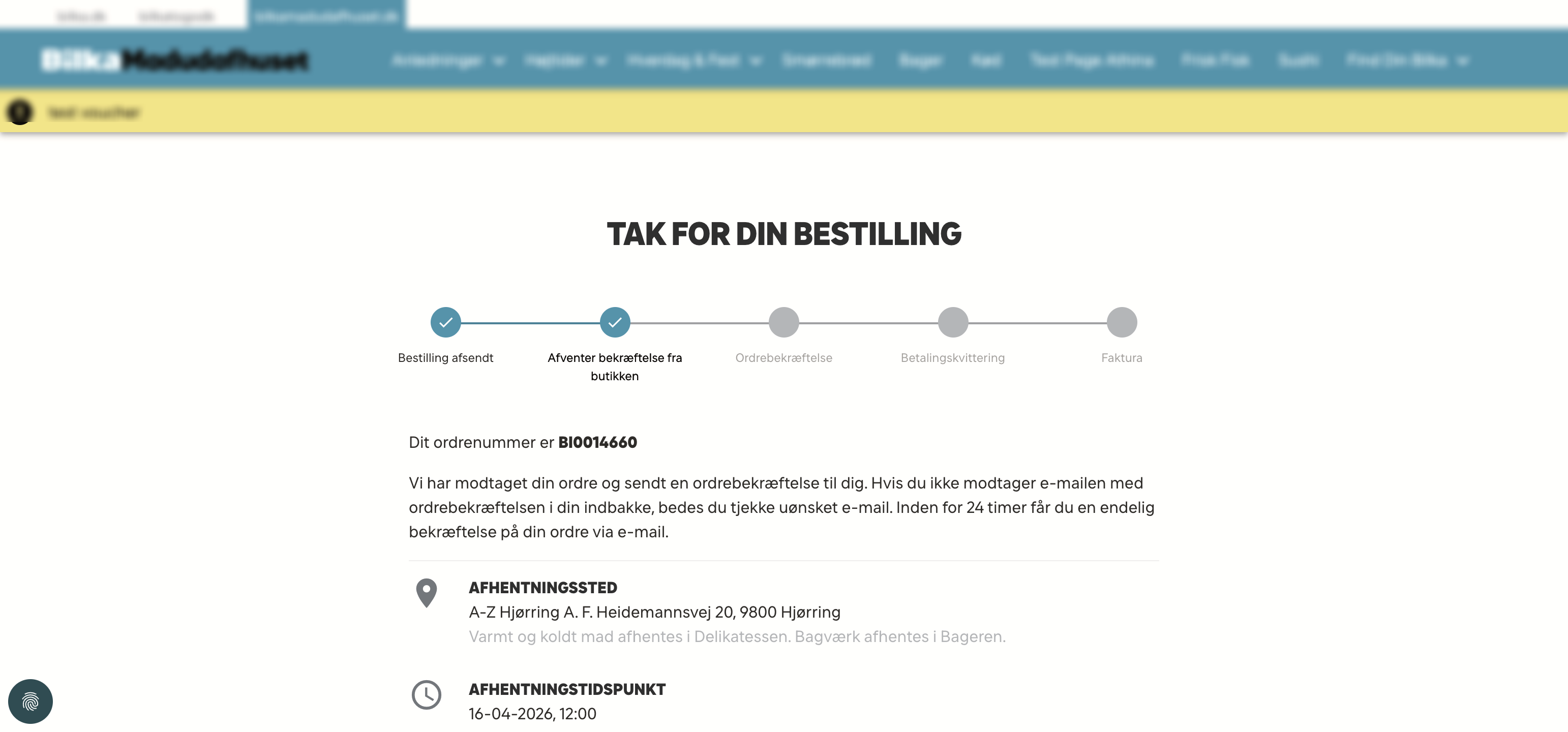
Confirmation email sent. Order number 0014660. The status timeline shows it’s now ‘Awaiting store confirmation.’ Within 24 hours, the store will confirm and she’ll get a final confirmation email.
Back at the store
The new order appears in the admin calendar for next Saturday. When the store manager opens the admin on Monday, it’ll be there — already slotted into the production plan for the right day.